Articles tagged with "Ransomware"
Deconstructing a Sexploitation Attack

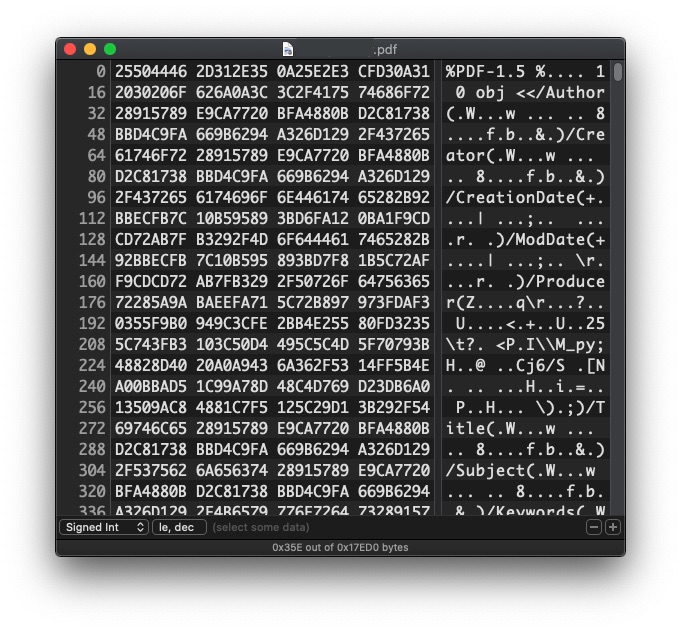
Imagine receiving an email with your username and password as the subject line. Inside the email there is a PDF that has been encrypted with a password provided in the body of the email. What do you do? Whoever sent the email has already proven they know who you are, and you probably want to know what else they have and what they’re asking for, right?The Next Wave of Cyber Attack
Read more >>
Why the Apple Card Is a Gorgeous Piece of Garbage
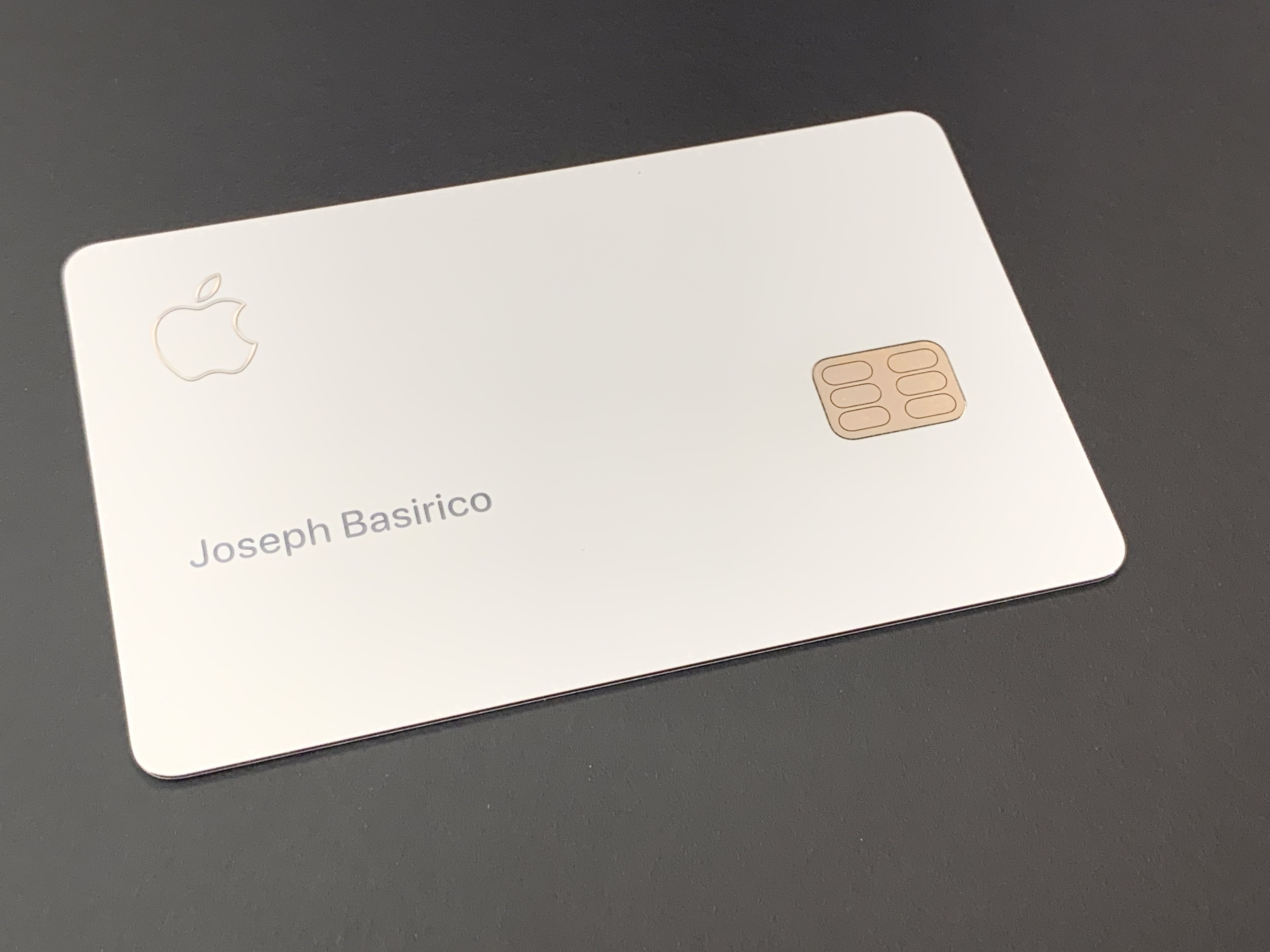
I certainly love Apple products, and I own most of them. But Apple really missed the mark with the physical Apple Card. I love the perfectly white surface, as well as the beveled etching of the Apple and MasterCard logos. Even the chip connector is remade to be symmetric and balanced. It is gorgeous. It is a failure of engineering. Apple struggles with form over function with almost every product it releases. The company’s obsession with shiny, reflective, and thin objects leads to scratches, glare, and bendy iPhones. Granted, the products are also marvels of engineering. The camera in my iPhone has all but replaced my DSLR, my Apple Watch hasn’t left my wrist in years, and I have yet to find a pair of wireless headphones that compare to the AirPods.
Read more >>

Do Cloud Sync Products Protect You From Ransomware?
Since my last post Protecting Yourself and Enterprise from Ransomware Attacks on the history and impact of ransomware I’ve gotten a few questions about whether Cloud Sync products like Dropbox, Box, iCloud, and OneDrive protect you from a ransomware attack. Cloud Sync products are different than Cloud Backup solutions like Mozy, Backblaze, or Carbonite. Backup solutions take a snapshot of your whole hard drive at certain points in time, because of this even if ransomware does encrypt your hard drive and your backup syncs the encrypted files to the cloud you will still have your pre-infection files available to you. Simply pick a pre-infection restore point and start from there.
Read more >>
Protecting Yourself and Enterprise From Ransomware Attacks
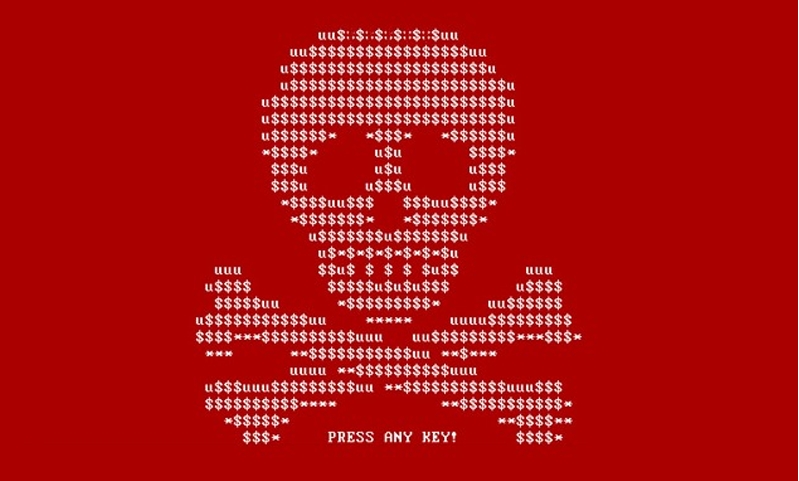
I’ve had more than half a dozen friends and colleagues ask for my help in restoring encrypted files after a ransomware attack in as many months. Unfortunately, when ransomware is done “right” there’s little you can do other than restore from a backup and start again. You do have good backups, don’t you? Ransomware (like Cryptowall, Wannacry or Petya) is a type of malware that works by encrypting each personal document it finds and then deleting the original. It sends the key to its home servers and destroys the original local copy of the key. This leaves the victim with a bootable computer and a hard drive full of inaccessible files. A “ransom note” is left on the computer requesting bitcoin to be sent to an anonymous address. As nefarious as this seems, the customer service department of ransomware operations is quite good - I’ve talked to many people who paid the ransom and then were able to restore their file. The ransomware business model, ironically, supports better customer service than your local cable or internet provider.
Read more >>